Homeowners
Is your electric bill getting too high?
Homeowners — your electric bill might be telling you something
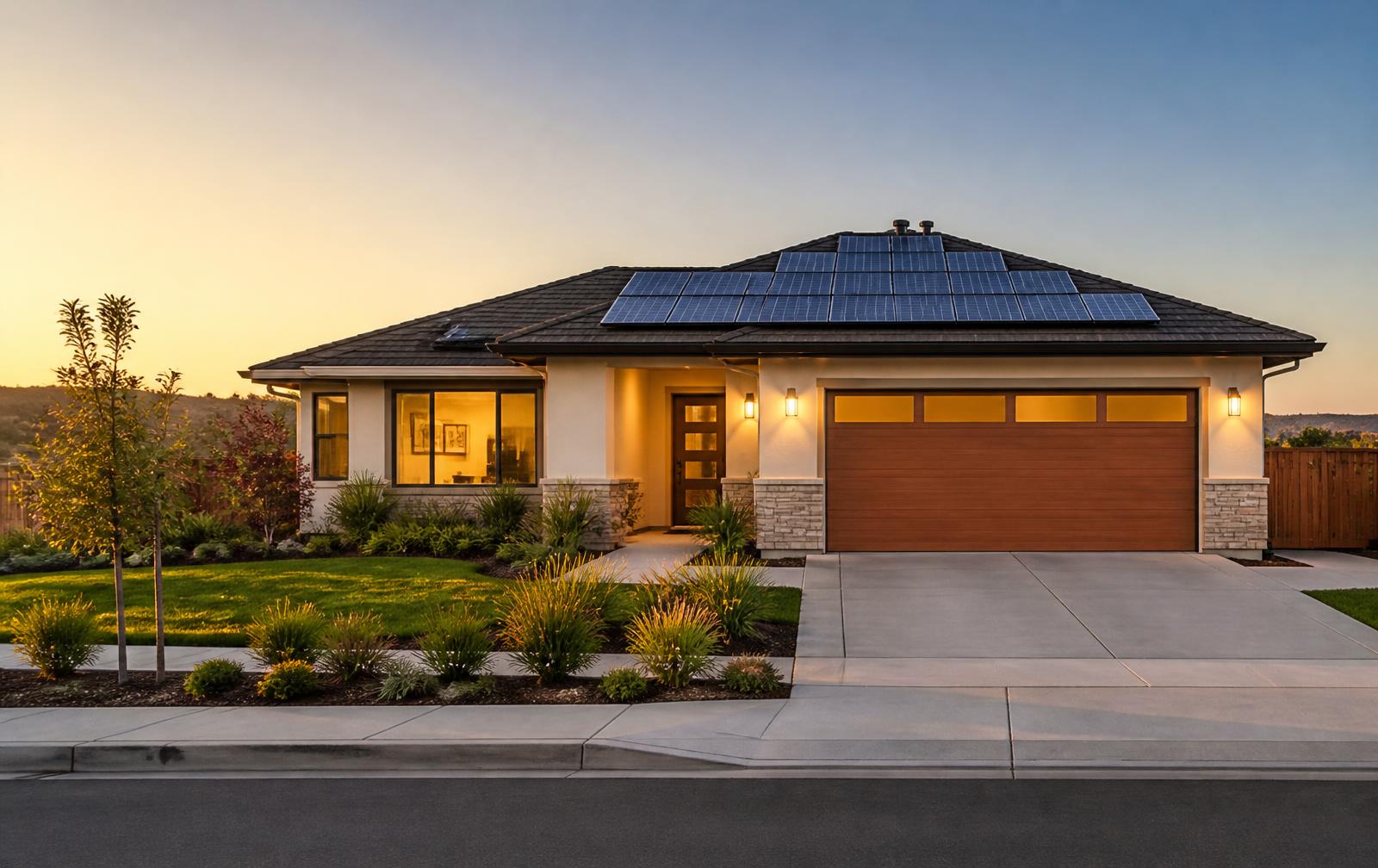
If your electric bill keeps climbing, it may be worth checking whether solar makes sense for your home. Your location, roof, energy usage, and available programs can all matter.
Don't guess — see what options may be available.
- No cost to check
- Takes about a minute
- Homeowners across the U.S.
What actually decides if solar fits your home
Where you live
Sunlight hours and local utility rates change the math from state to state.
Your roof
Direction, pitch, shade and age all affect what a system could do.
Your usage
How much power your household uses shapes the size that makes sense.
Programs available
Incentives and programs vary by area and change over time.
How it works
- 1
Share a few details
ZIP code, your roof, and your average bill.
- 2
We review your fit
We look at the factors that matter for your address.
- 3
See your options
You decide what, if anything, to do next.